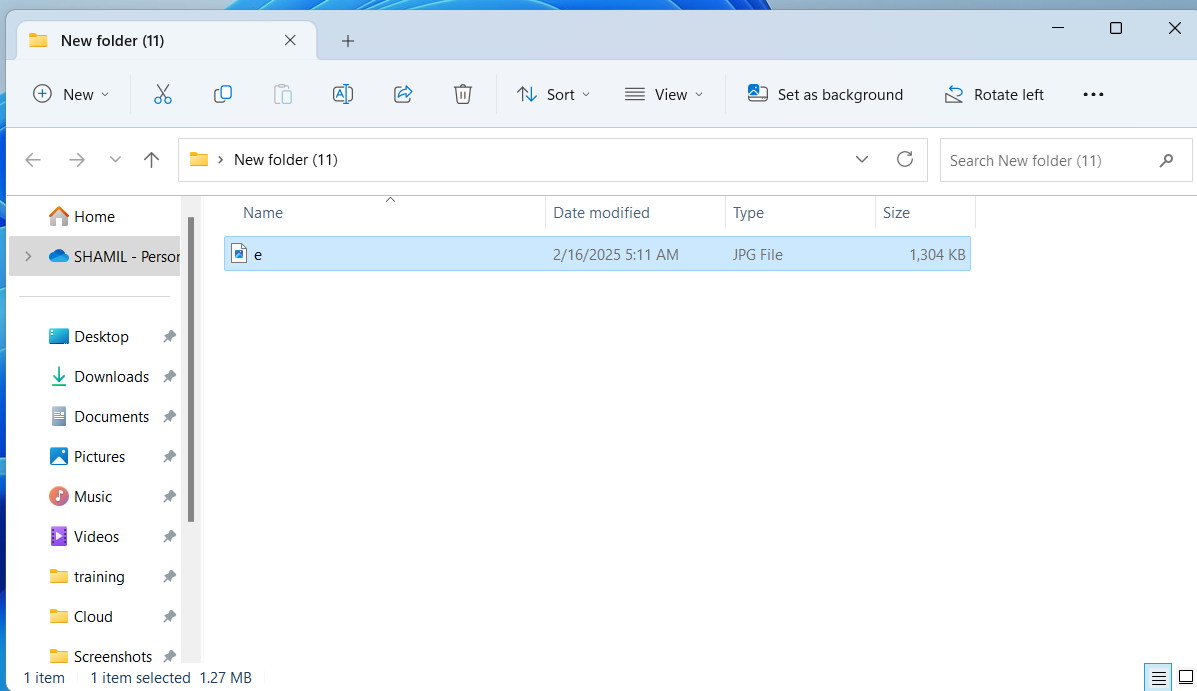
Step 1:Copy the Logo with CTRL C
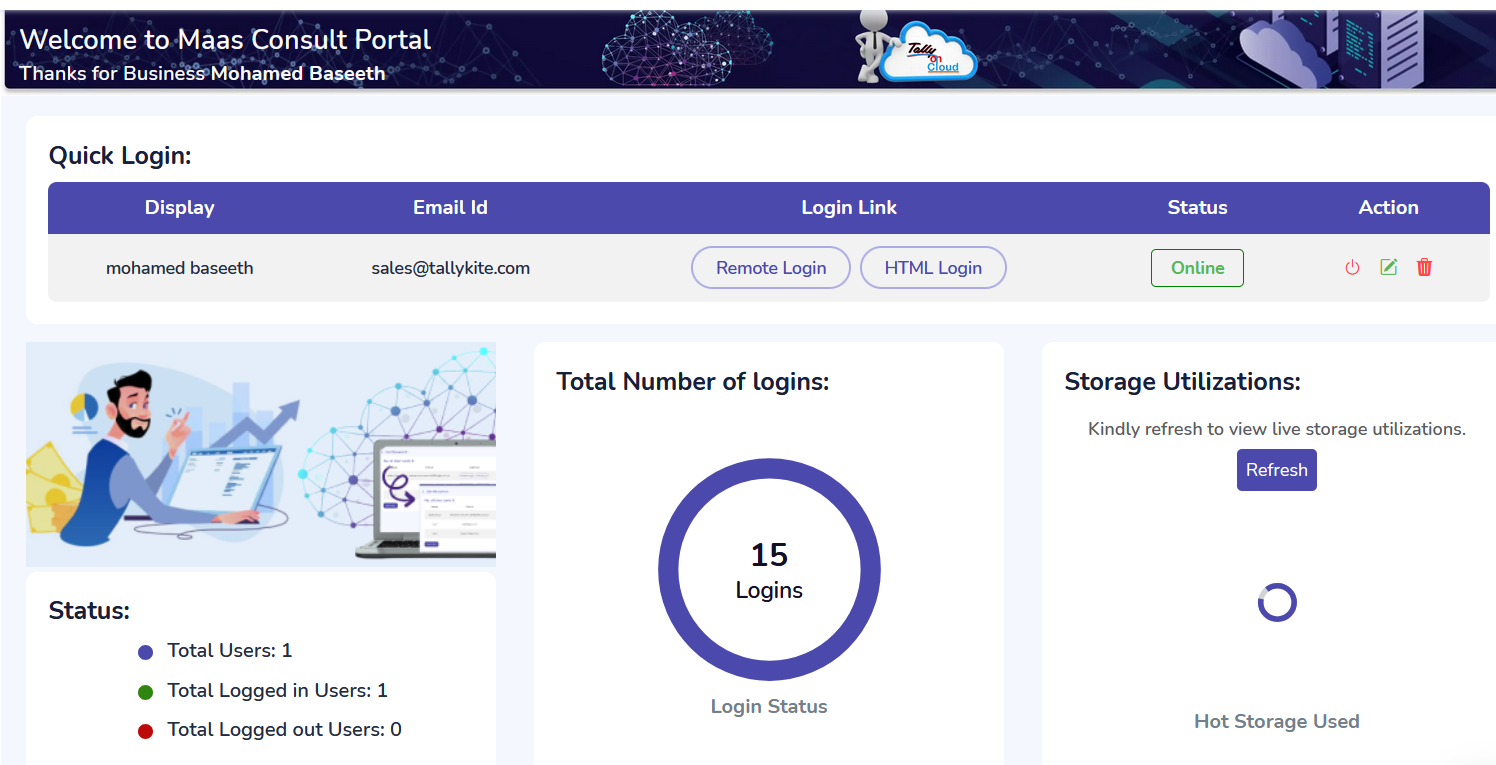
Step 2:Do remote login
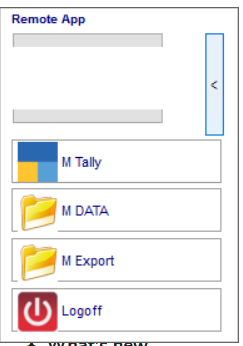
Step 3:Floating panel will open
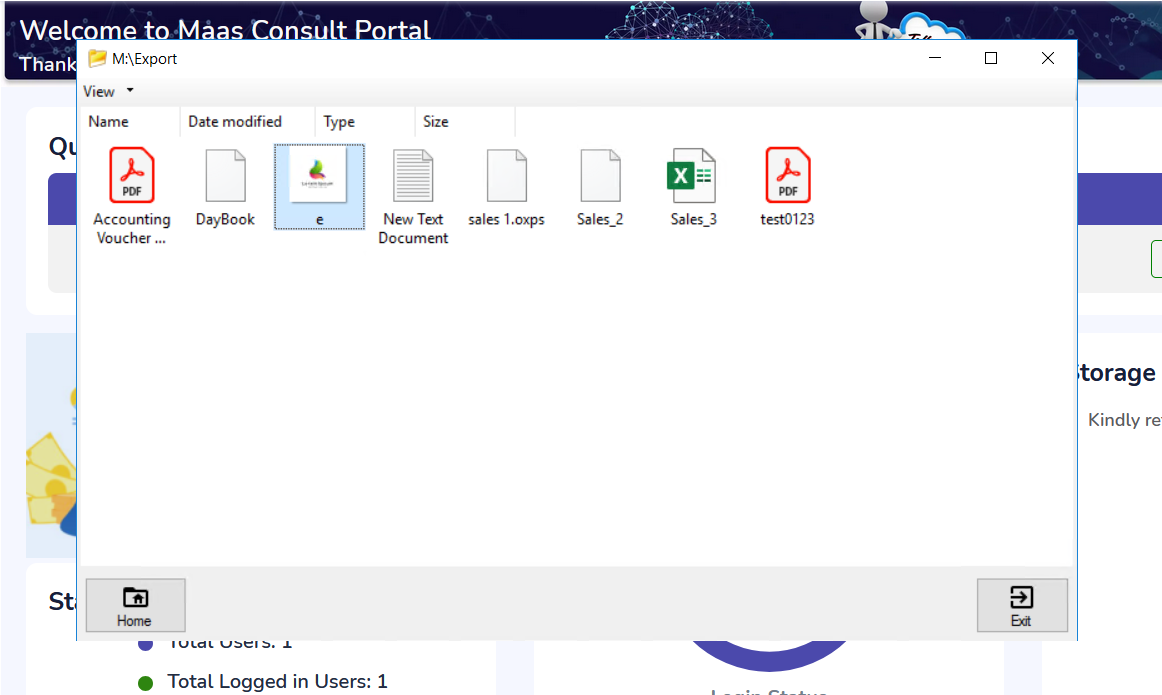
Step 4:Click on export folder then paste the logo with CTRL V to active
Step 4: Open Tally > Press ALT P from Gateway of Tally > Select configuration
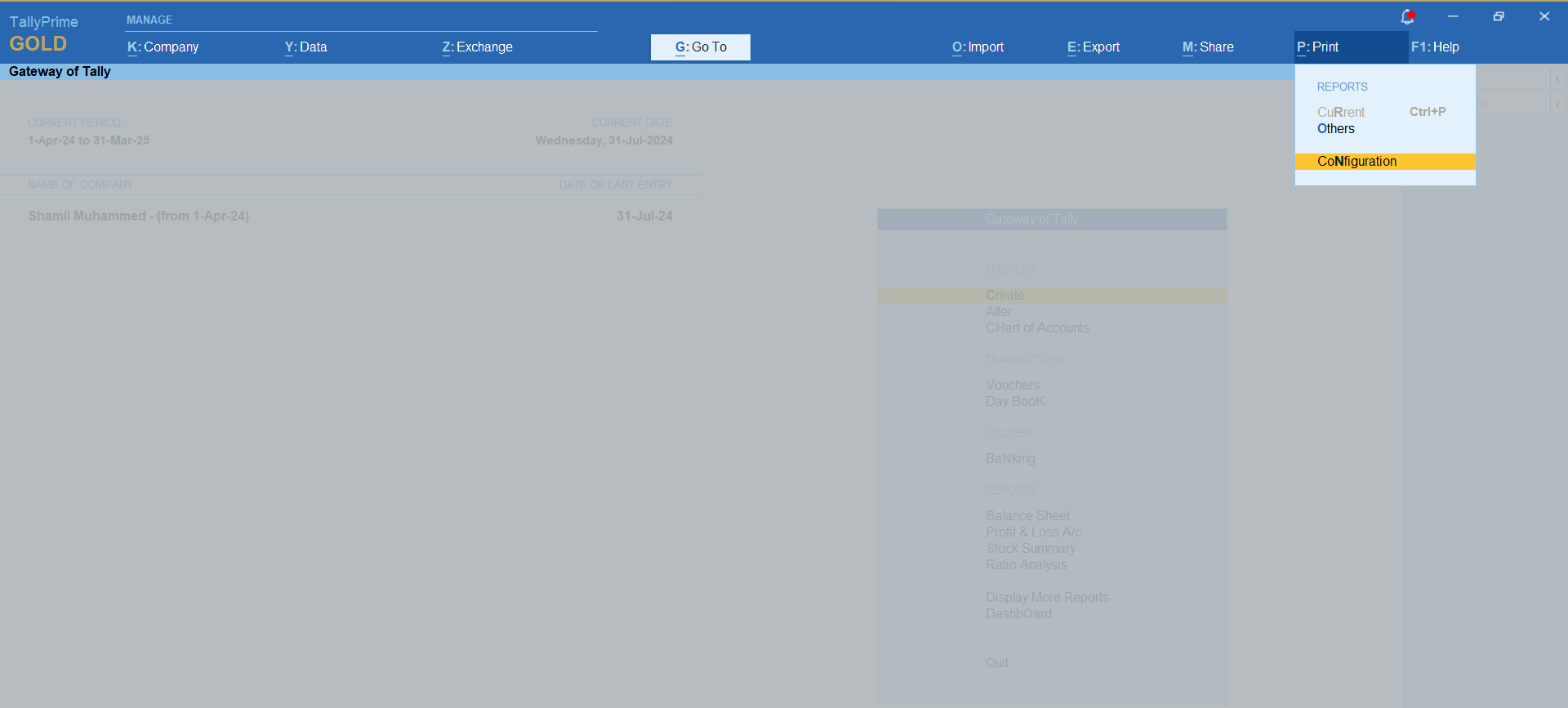
Step 4: Enable include company logo and press enter
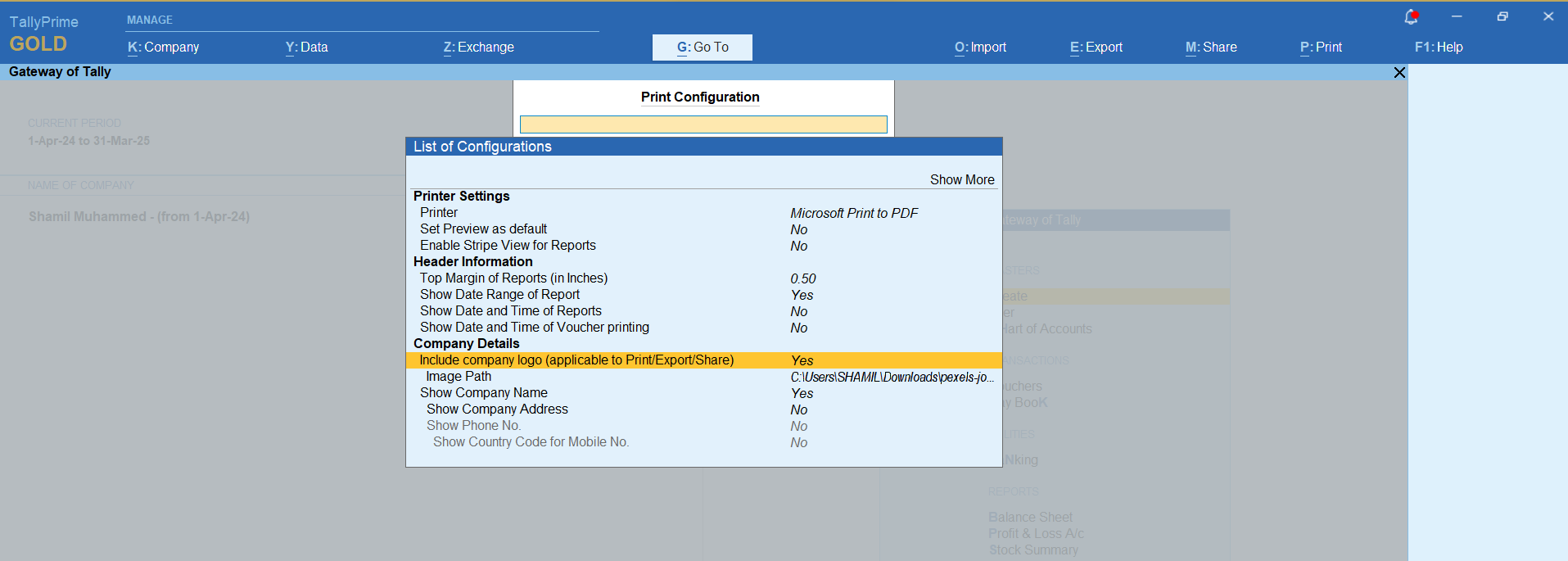
Step 5: Select the logo from the export folder and press CTRL A to save
Was this article helpful?
That’s Great!
Thank you for your feedback
Sorry! We couldn't be helpful
Thank you for your feedback
Feedback sent
We appreciate your effort and will try to fix the article