Printer Client Installation
Step 1: Go to Download Setup
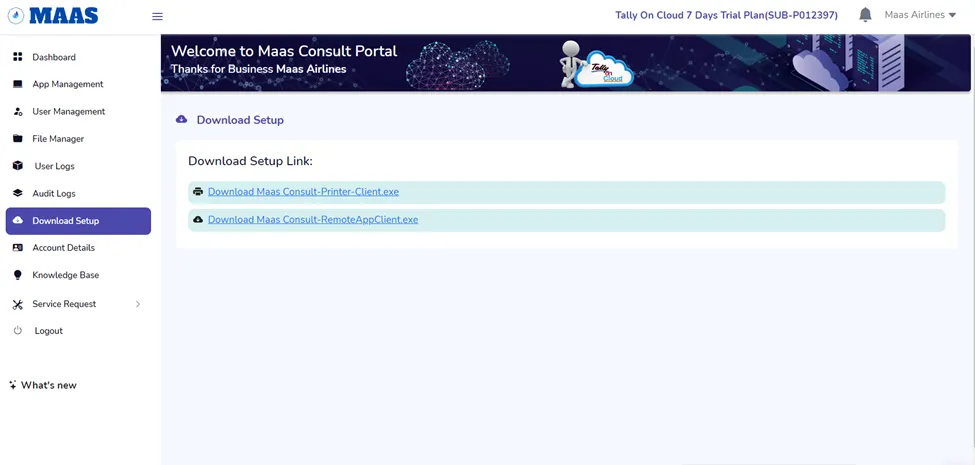
Step 2: Download the Printer Client.exe
A) Click on the File to Install.
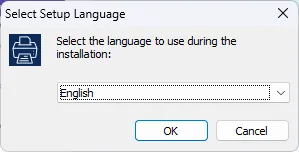
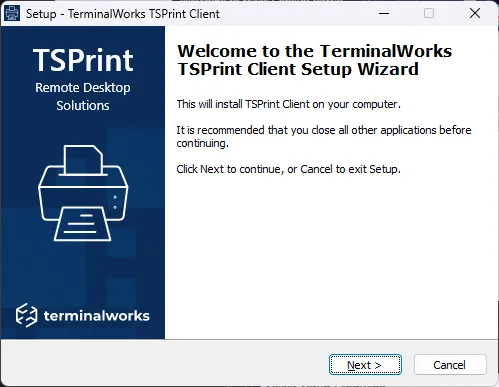
B) Click on “Next”
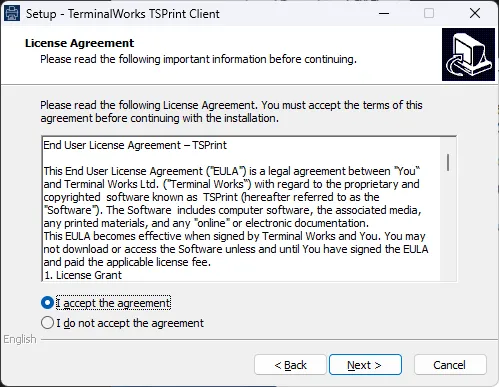
C) Click on “I Accept the agreement” and Click on Next
D) Click “Next” on the Next Screen
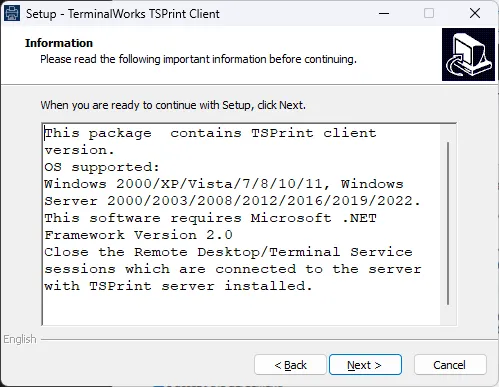
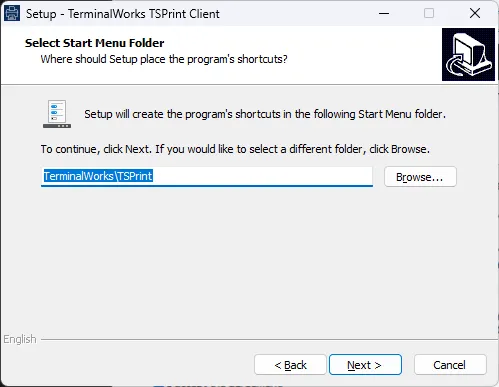
E) Click “Next” (Change Path only if needed)
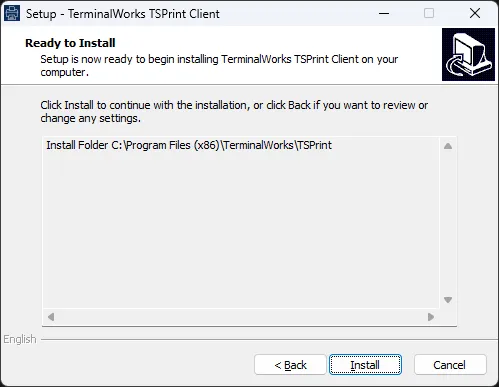
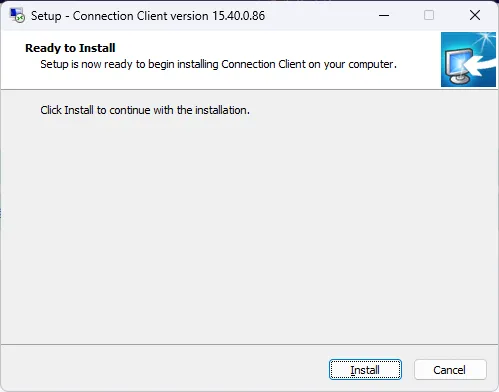
F) Click on “Install”
G) Click on “Next”
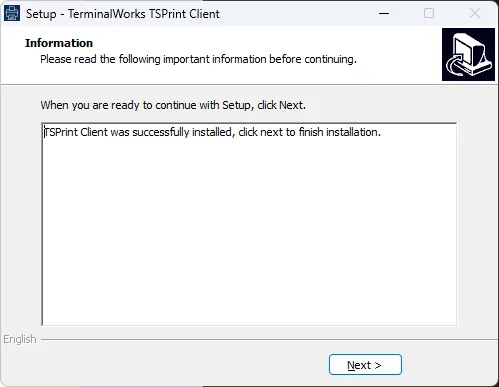
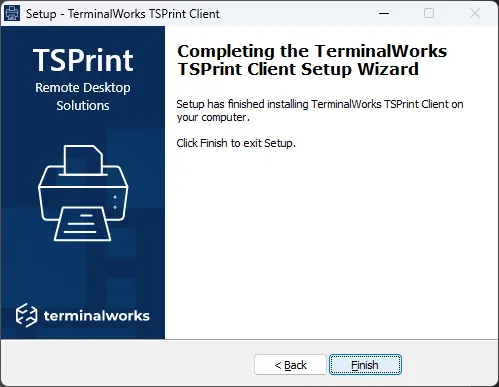
H) Click on “Finish”
Remote App Client Installation
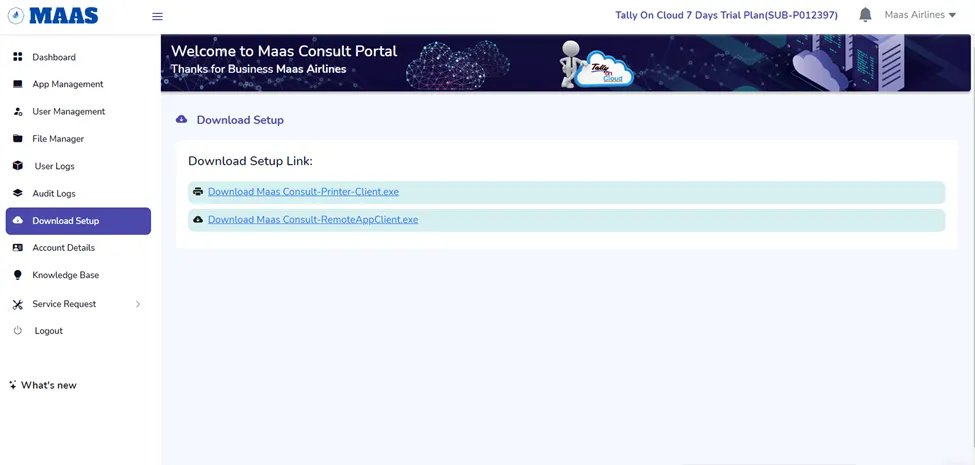
Step 1: Download the Remote App Client.exe
Step 2: Click on the downloaded exe and Run
A) Click on “Install”
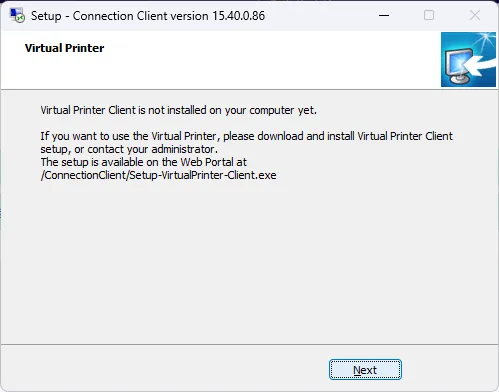
B) Click on “Next”
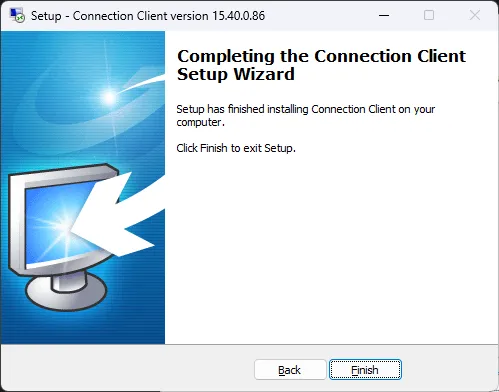
Click on “ Finish”
Was this article helpful?
That’s Great!
Thank you for your feedback
Sorry! We couldn't be helpful
Thank you for your feedback
Feedback sent
We appreciate your effort and will try to fix the article