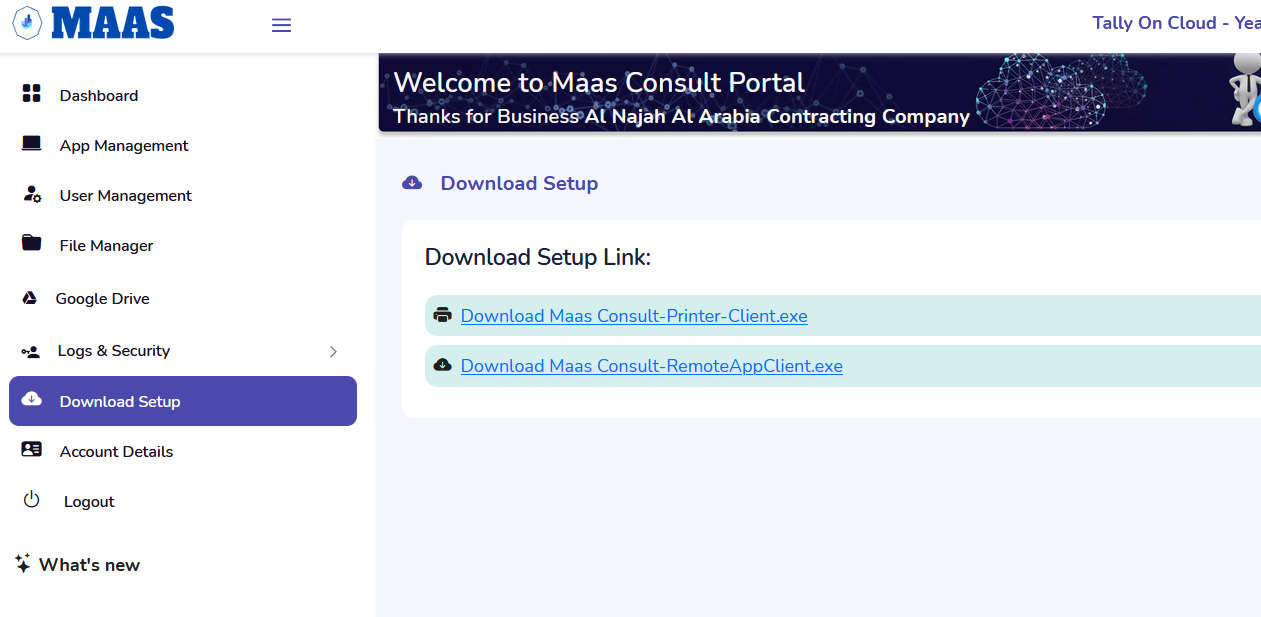
Step 1 : Go to Download setup and click on Remote Appclient.exe .
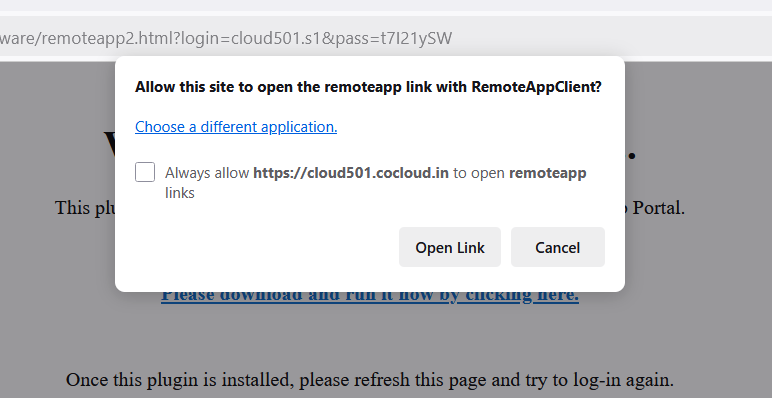
Step 3 : “check the Box” of always allow this Page and click on “open remoteappclient”.
Step 4: The Remote login will be Done with this process.
Was this article helpful?
That’s Great!
Thank you for your feedback
Sorry! We couldn't be helpful
Thank you for your feedback
Feedback sent
We appreciate your effort and will try to fix the article