HTML LOGIN
Note : Mac book users can use Tally through HTML login
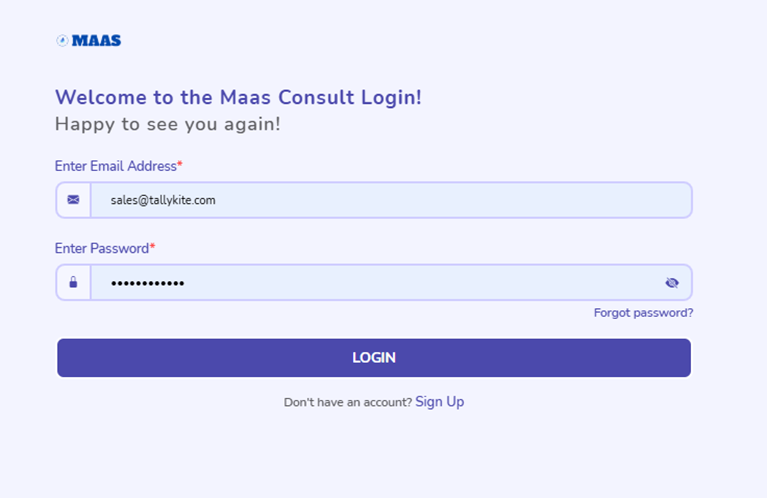
Step1 > login in to the portal
login to > http://tallykite.maasconsult.co/ > provide the cloud login Id and password
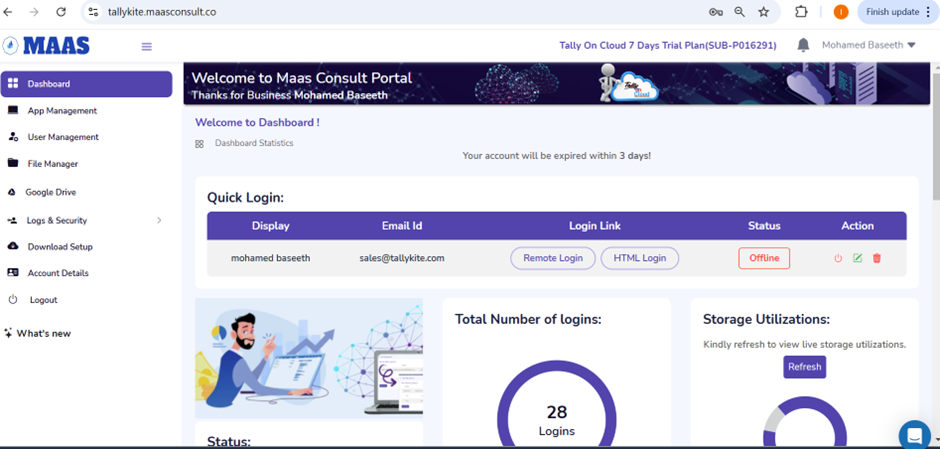
Step 2 > Html login
Click on Html login from the cloud portal
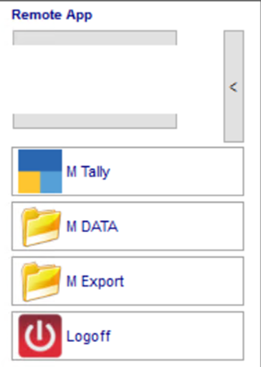
Click on Tally from the floating panel
Step 4 > Reactivate the license
Click on reactivate existing license > Enter the Tally.net ID ( Registered mail Id ) and password
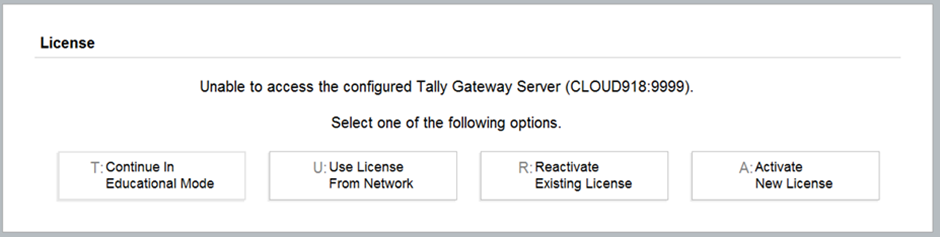
If you have new license then click on Activate new license > Enter the Tally.net ID ( Registered mail Id ) and password
Step 5 > Load Company
From the main screen of Tally select the company > press Enter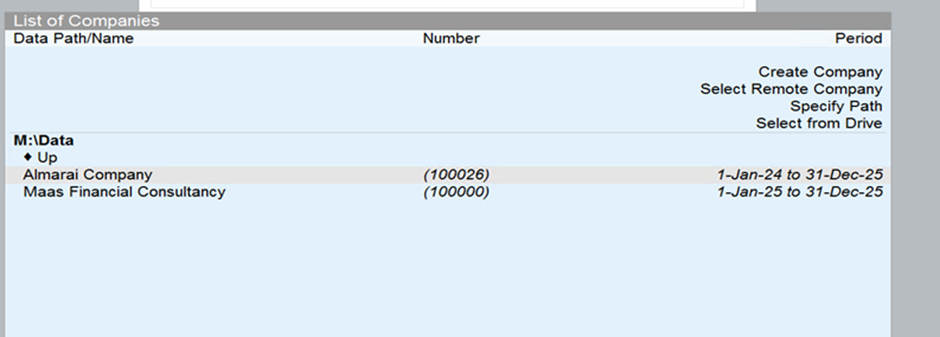
Was this article helpful?
That’s Great!
Thank you for your feedback
Sorry! We couldn't be helpful
Thank you for your feedback
Feedback sent
We appreciate your effort and will try to fix the article